
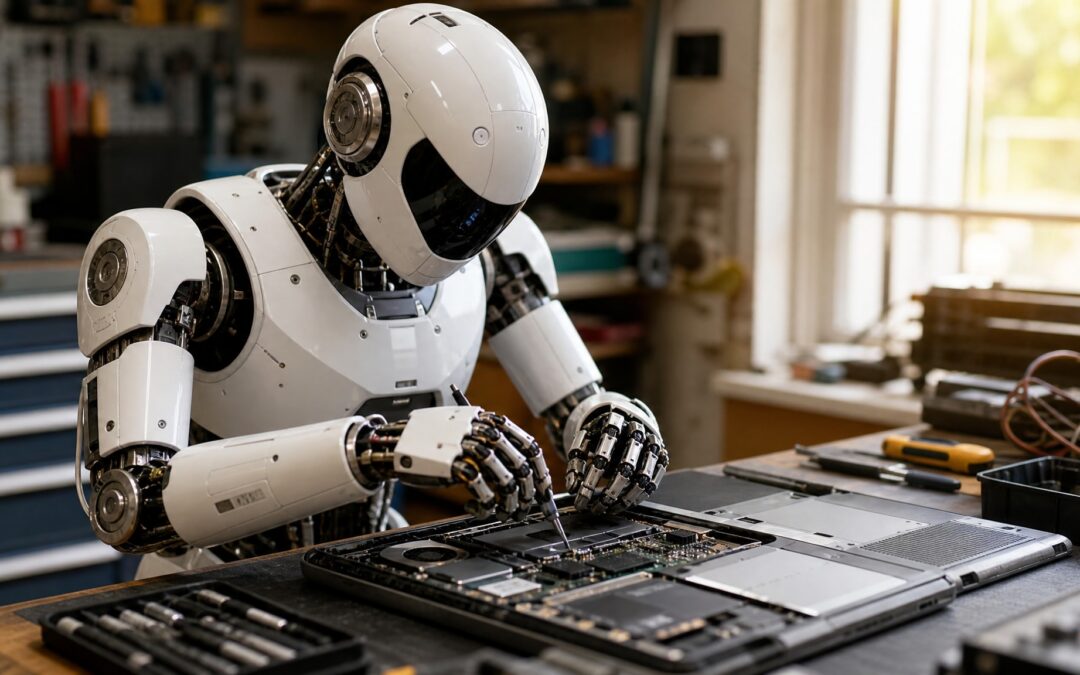
Finding a reliable technician when your computer fails can be stressful. National directories offer generic listings, not local expertise. Dam IT Solutions has operated in Pinetown for 12 years, handling hands-on computer repairs and IT infrastructure support for local residents and SMEs who need practical help rather than automated responses. Whether you’re a home user with a broken laptop or a business owner managing network downtime, you need a real person to find the problem and fix it quickly.
Local Computer Technician Services in Pinetown
Our service model covers both walk-in shop visits for individual laptop repairs and onsite technical support for businesses needing network or backup solutions across our service area. You can bring your device straight to our workshop for assessment, or we can send a computer technician in Pinetown to your premises if the equipment is too large to move, or wired into a broader office system. Individual users get fast counter service; small businesses get full infrastructure attention without their daily operations grinding to a halt.
Walk-In Shop and Onsite Support Options
Bring your laptop or desktop to our shop for direct access to our repair bench and diagnostic tools. This works best for hardware faults, screen replacements, and software issues, where we can test the device properly before handing it back. For business clients with server racks, cabling issues, or several workstations needing attention, we schedule onsite visits and sort things out where you actually work.
Serving the Upper Highway Area
We extend our computer repairs in Pinetown to cover the whole Upper Highway area, so businesses and residents beyond the town centre still get consistent technical support. Our technicians know the local infrastructure quirks in this region, from power fluctuations to the connectivity gaps that affect home offices and commercial premises alike. Because we have a physical presence and local context, we can respond faster than a remote call centre ever could.
Common Laptop Repairs and PC Fixes We Handle
Most devices fail because of predictable wear and tear or environmental factors, not catastrophic manufacturing defects. That means experienced technicians can often restore a machine without replacing the whole unit. We prioritise practical, non-technical communication, explaining repair options without jargon or hard selling, and focus on what actually needs fixing versus what’s just cosmetic.
Your device deserves an honest assessment that weighs repair against replacement, based on its age and what you actually need it to do.
Hardware Upgrades and Screen Replacements
Broken hinges, cracked displays, and failing hard drives are the laptop repairs in Pinetown we handle most, week in and week out. We source quality replacement parts and install them with care, testing every component afterward so the repair holds up under normal use. Older machines often benefit a lot from a solid-state drive upgrade or extra RAM, which can stretch useful life by several years for a fraction of the cost of new equipment.
Virus Removal and Software Troubleshooting
Malware infections and corrupted operating systems often mimic hardware failures. Slow performance or boot loops convince people their machine is dead when it isn’t. Our technicians clean infected systems thoroughly, strip out bloatware, and get things running again without unnecessary data loss wherever possible. We also advise on antivirus solutions and safe browsing habits, because lasting protection matters more than a one-time clean-up.
Data Recovery and Backup Solutions
Losing critical files during a hardware failure is panic-inducing, but the right recovery methods can often pull documents off a damaged drive before they’re gone for good. As a local IT company, we handle everything from single-user PC upgrades to full SME infrastructure, including cloud backup and connectivity solutions that stop the next data disaster before it starts. We recommend a proactive backup plan for every client, because prevention costs far less than emergency recovery once a drive has already failed.
Understanding Repair Costs and Diagnostics
Accurate pricing depends on proper diagnosis. That’s why we never quote final repair costs over the phone without examining the device in person first. A transparent assessment protects you from surprise charges and makes sure any work we do fixes the root cause instead of just masking the symptom. You deserve a clear explanation of what went wrong and why a repair costs what it does, in plain language.
Transparent Assessment Process
We start every repair with a systematic check for faulty components, software conflicts, or environmental damage, before proposing any paid work. That means testing power delivery, checking storage health, verifying memory, and ruling out peripheral conflicts that might be causing intermittent failures. Once we’ve pinned down the issue, we explain what we found and give you a firm quote, so you can decide whether to go ahead or look at other options.
Remote vs In-Shop Service Options
Remote support can sort out certain software settings, password resets, and minor troubleshooting without you leaving home or closing the office. Physical inspection is still needed for hardware diagnostics, component swaps, and anything involving odd noises, overheating, or display glitches that can’t be checked over a screen share. We look at each case individually to work out whether remote help is enough, or whether bringing the device in saves time and avoids a wrong diagnosis.
Turnaround Times for Same Day Computer Repair
Urgent jobs like software reinstalls, virus removal, or simple part swaps can often be done same day when the parts are in stock and the fault is straightforward. Complex hardware replacements, data recovery jobs, and intermittent faults needing extended stress testing usually need more time, so the fix actually holds rather than just looking fixed. We give you a realistic timeline upfront, because a false promise about speed causes more trouble than an honest estimate about thoroughness.
Minimising downtime matters a lot, both for home users missing personal tasks and for businesses losing revenue while equipment sits idle.
We keep common replacement parts in stock specifically to cut the wait for standard laptop repairs in Pinetown and desktop fixes. When a specialised part has to be ordered in, we chase it up and keep you posted, so uncertainty doesn’t add to your frustration. Our goal is getting working equipment back in your hands as fast as quality allows, never rushing a diagnosis just to hit an arbitrary deadline.
Beyond Repairs: IT Support for Small Business
Small businesses without dedicated IT staff feel every hour of downtime, because it hits customer service and day-to-day operations directly. We act as your outsourced IT department: proactive maintenance and planning alongside the reactive repairs, so your business keeps running. That partnership means we get to know your workflows and can flag improvements before they turn into a problem mid-workday.
Network Infrastructure and Connectivity
A reliable network is the backbone of modern business, yet plenty of SMEs run on outdated cabling, a misconfigured router, or patchy wireless that causes constant slowdowns. We design and install network infrastructure built around your office layout and headcount, so every staff member gets stable connectivity wherever they sit. A proper network setup also improves security, by segmenting traffic and controlling the access points that could otherwise expose business data.
Cloud Backup and VOIP Systems
Modern businesses need communication and data protection that survives a local hardware failure, theft, or worse, without a long recovery period. We set up cloud backup that automatically secures your critical files offsite, plus VOIP phone systems that keep you talking to customers even when the traditional lines go down. These cut your dependence on ageing on-premise equipment and scale as your business grows.
Choosing Between Repair and Replacement
Not every aging computer is worth repairing, especially once the cost of parts gets close to the price of newer equipment with better performance and a warranty. We look at each device honestly against what you actually need it to do, weighing processor capability, upgrade potential, and how much life it has left, before recommending any paid work. Sometimes the smartest move is putting that repair budget toward affordable replacement options that give you an immediate reliability upgrade instead.
When repair makes sense, we do it properly. When replacement serves you better, we say so plainly, without pressure.
For those ready to upgrade, we stock new desktop and laptop systems for home and business use, configured and tested before we hand them over. We also supply power protection equipment to protect your investment against South Africa’s unstable power supply, because preventing the damage costs far less than repairing a surge-related failure afterward. Good advice on aging hardware should come from someone who benefits from your long-term satisfaction, not a quick sale.
Getting Started with Dam IT Solutions
Reaching us is straightforward, whether you’d rather call, email, or come by our Pinetown shop during business hours for a face-to-face chat. Please get in touch with our team to talk through your situation, book an assessment, or ask a question before committing to anything. We welcome walk-ins for urgent computer repairs in Pinetown, and scheduled appointments for bigger business projects, fitting our availability around your urgency and convenience.
Frequently Asked Questions
How much do PC repairs usually cost?
Repair costs vary significantly depending on the specific fault, required parts, and labour intensity involved in restoring your device. We provide firm quotes only after completing a diagnostic assessment, because guessing prices without examination leads to inaccurate estimates and customer disappointment. Simple software fixes cost considerably less than hardware replacements involving specialized components or extensive disassembly.
Can someone fix my PC remotely?
Remote support effectively resolves software configuration issues, password resets, and certain troubleshooting tasks without requiring physical access to your device. However, hardware diagnostics, component replacements, and problems involving unusual sounds or display issues require in-person inspection to diagnose accurately. We evaluate each case individually to determine whether remote assistance suffices or if shop visit prevents wasted time and misdiagnosis.
Who is a computer mechanic?
A computer mechanic, more commonly called a computer technician or IT support specialist, diagnoses and repairs hardware faults, software issues, and network problems in personal computers and business systems. Unlike automotive mechanics who work primarily with mechanical components, computer technicians must understand both physical hardware assembly and complex software interactions. At Dam IT Solutions, our technicians combine hands-on repair skills with broader IT infrastructure knowledge to serve both individual users and small businesses.
Does Geek Squad actually fix computers?
Geek Squad operates primarily as a retail chain service desk focused on consumer electronics sales and basic warranty support rather than independent repair expertise. Local independent technicians like Dam IT Solutions often provide more personalized diagnostics, faster turnaround times, and deeper familiarity with regional infrastructure challenges affecting South African users. We have served Pinetown continuously for 12 years, building relationships and technical knowledge specific to this community’s needs rather than following corporate scripts designed for different markets.